Everything you need to create
From precise vector strokes to interactive coloring templates, Draw combines professional canvas controls with accessible ease of use.
Intuitive Glassmorphic Toolbar
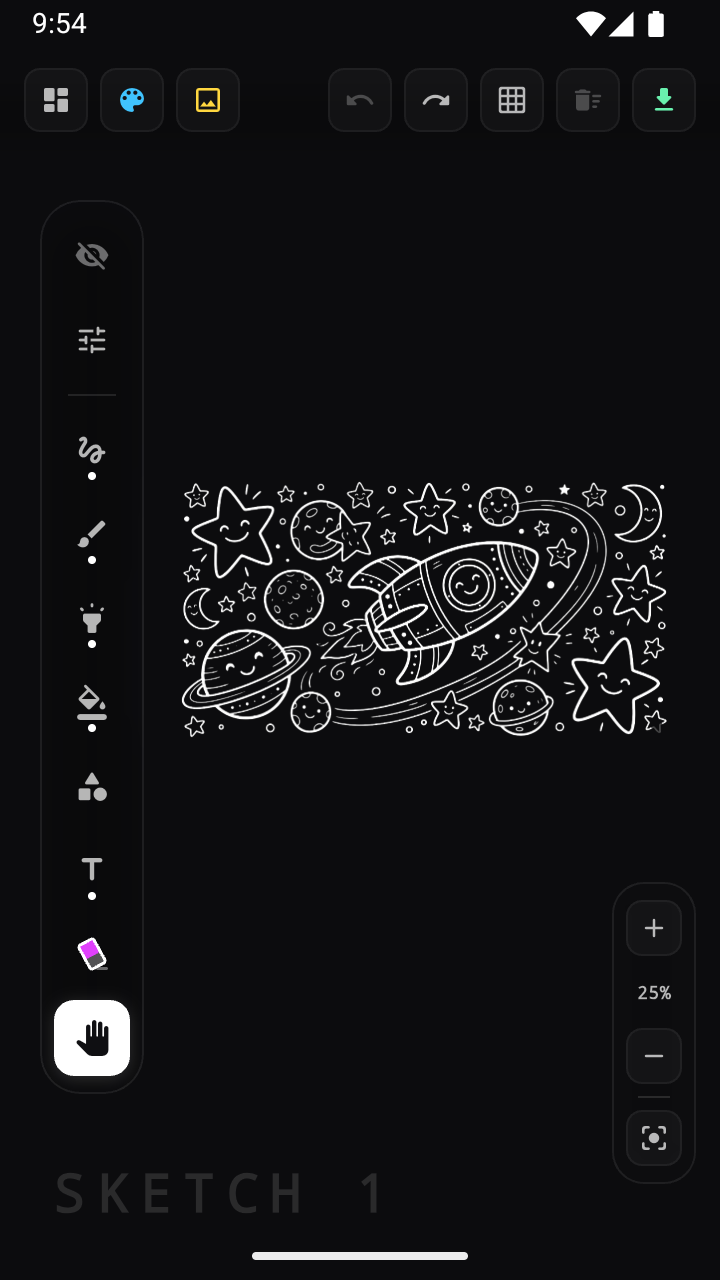
Access fluid drawing tools with smooth haptic feedback. Switch seamlessly between pencil, marker, pen, eraser, shape generators, and text tools.
Coloring Templates
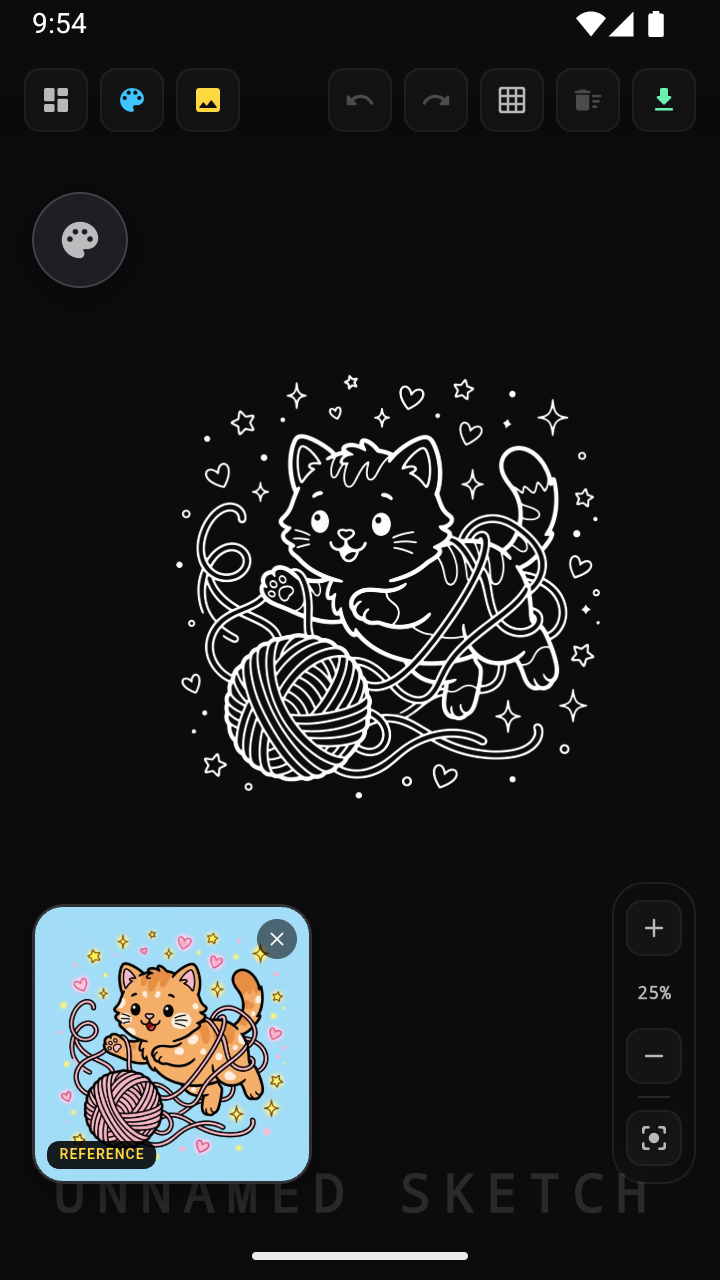
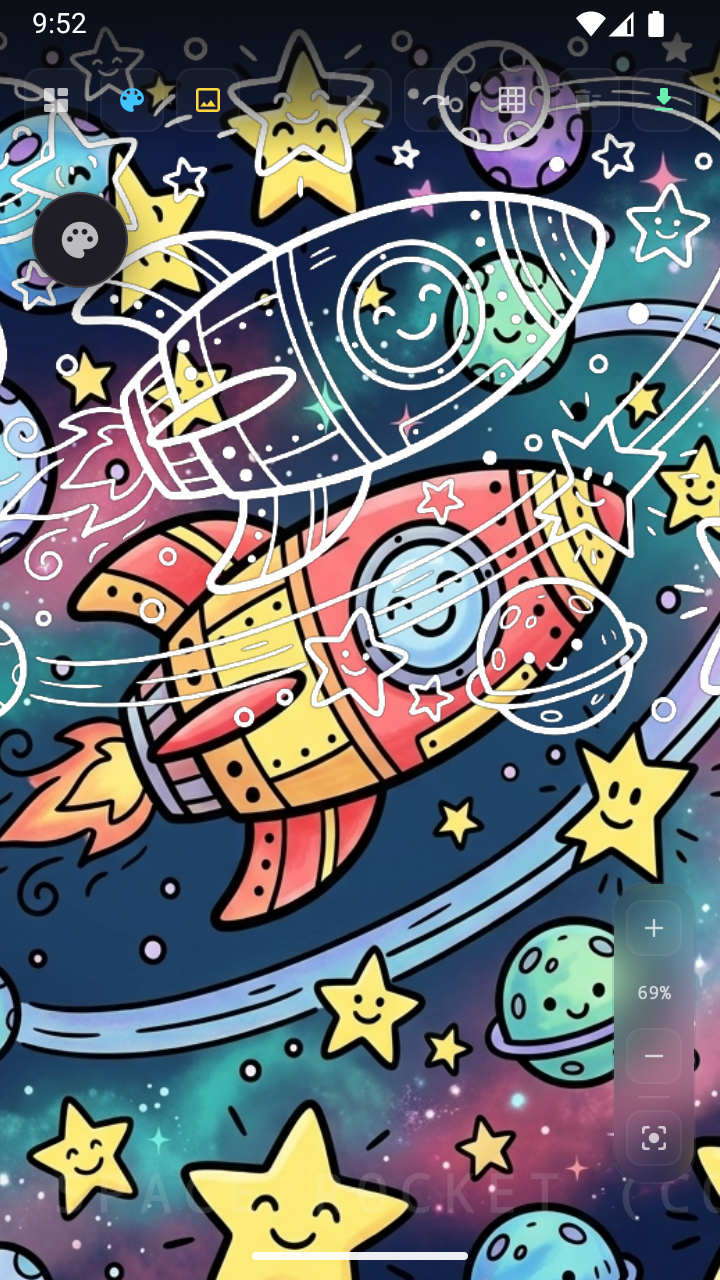
Explore ready-to-color vector art templates for kids and beginners, including Space Adventure, Kittens, Castles, Dinosaurs, and Robots.
Memento Undo / Redo
Never lose your stroke history. Deep stack memento tracking lets you step backward and forward effortlessly through every artistic decision.
Canvas & Grid Controls
Toggle grid overlays, customize stroke opacity and thickness, adjust background canvas tones (#0C0C0E dark mode baseline), and pan with multi-touch gestures.
High-Res PNG Export
Export your finished artwork in high resolution for printing, social sharing, or educational showcases with 100% privacy on-device.
See Draw in Action
Explore the clean interface, vibrant color picker, and coloring templates.